
AI SOFTWARE WarriorPlus
Video Deck Review 2026: Book Promo Storyboards & Google Flow
Plan book-promo scripts, storyboards, voiceovers and Google Flow prompts from a cover or keyword
Sponsored link authorized by the publisher; affiliate tracking and merchant checkout conditions have not been independently verified.
Quick verdict
Video Deck by Maulana Malik/Duoha is a browser-based guided storyboard, script and prompt builder for book promotion videos. Starting from a cover or keyword, it generates concepts, scene-by-scene direction, on-screen copy and voiceover prompts for ChatGPT and Google Flow. It does NOT render or export video files itself. Seller's October 5 2026 JV lists $17 historical Core product price; optional PRO, Cinema, Machine, Kids Deck Bundle separate. Official sales FAQ describes a conditional 30-Day Product Performance Guarantee. Google's advertised 50 free daily credits are provider-controlled, not guaranteed. Personal/commercial output licensing should be verified in actual checkout and third-party terms. Research-based, not independently tested.
Who it may suit
Creators comparing features, workflows and their own production needs.
Potential strengths
- Convenient guided creative storyboard workflow for book publishers
- Start from existing finished cover or keyword-based idea
Check carefully
- Does not actually render or export finished videos inside Video Deck
- Google Flow and ChatGPT are external and subject to access limits or possible paid subscriptions
What can you do with this tool?
Illustrative workflows, not first-hand performance guarantees.
KDP book teaser
Turn an authentic paperback cover into a truthful vertical promotional storyboard.
Children's activity book clip
Plan age-appropriate scenes, with accurate captions and an original cover overlay.
YouTube widescreen trailer
Build a 16:9 promotional brief for producing in an external video service.
Key features worth exploring
Vendor-described functions, with the checks buyers should make before relying on them.
Book-to-storyboard workflow
Start with a cover or keyword, draft scenes, narration, captions and a useful CTA.
Two aspect ratios
Prepare creative direction for 9:16 vertical or 16:9 wide placement.
External AI production
Use ChatGPT and Google Flow separately; Video Deck itself does not render MP4.
How the workflow works
Suggested evaluation sequence; actual controls and package options may vary.
Choose cover or topic
Select an existing book cover or keyword and confirm the intended audience.
Set style and format
Use Full Auto or Advanced Setup for language, 9:16/16:9, tone and CTA.
Generate storyboard prompts
Review visual beats, on-screen text and voiceover before export.
Render externally
Use eligible ChatGPT/Google Flow features; check provider limits and pricing.
Ready to explore Video Deck?
See current features, package terms, licensing and refund details on the vendor website. This review does not guarantee availability or outcomes.
Sponsored link authorized by the publisher; affiliate tracking and merchant checkout conditions have not been independently verified.
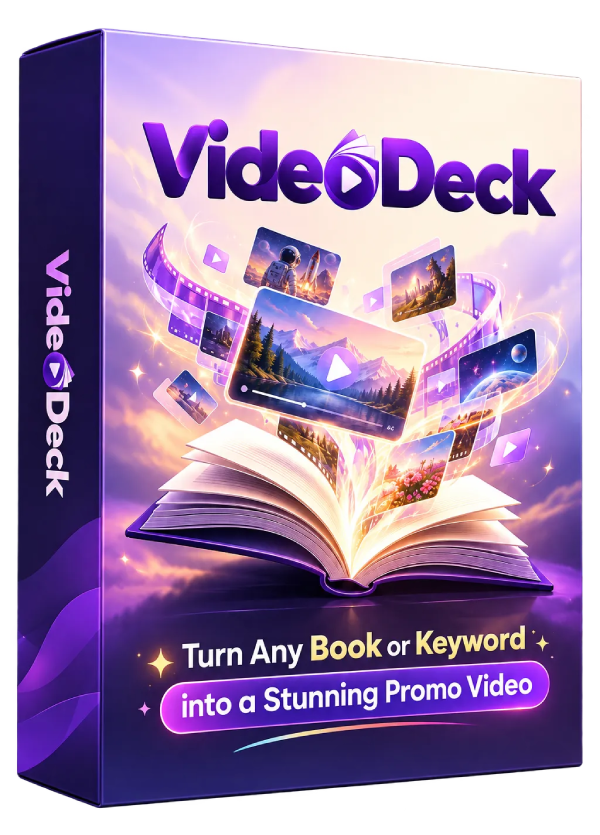
Video Deck review (2026): Video Deck is a guided video marketing planner designed to help authors turn a book cover or keyword into promotional concepts, scripts, scene-by-scene storyboards, voiceover direction and copy-ready prompts for ChatGPT and Google Flow. The software’s focus is book promotion for KDP, printables, children’s books and related creative products. It supports 16:9 wide and 9:16 vertical creative directions for YouTube, Shorts, Reels and TikTok.
Crucial distinction: the official Video Deck FAQ says this software does not render or export finished videos inside its own interface. It creates a creative plan and production prompts; the customer takes those outputs to ChatGPT and Google Flow or another suitable production service. The vendor markets access through free Google video credits, but that allowance comes from a separate provider and cannot be guaranteed for every buyer.
Our Video Deck review considers its product capabilities, its one-time launch price reference, its limitations compared with a full video editor, PRO/Cinema/Machine upgrade distinctions, the conditional 30-day Product Performance Guarantee and the practicalities of producing accurate, effective book trailers.
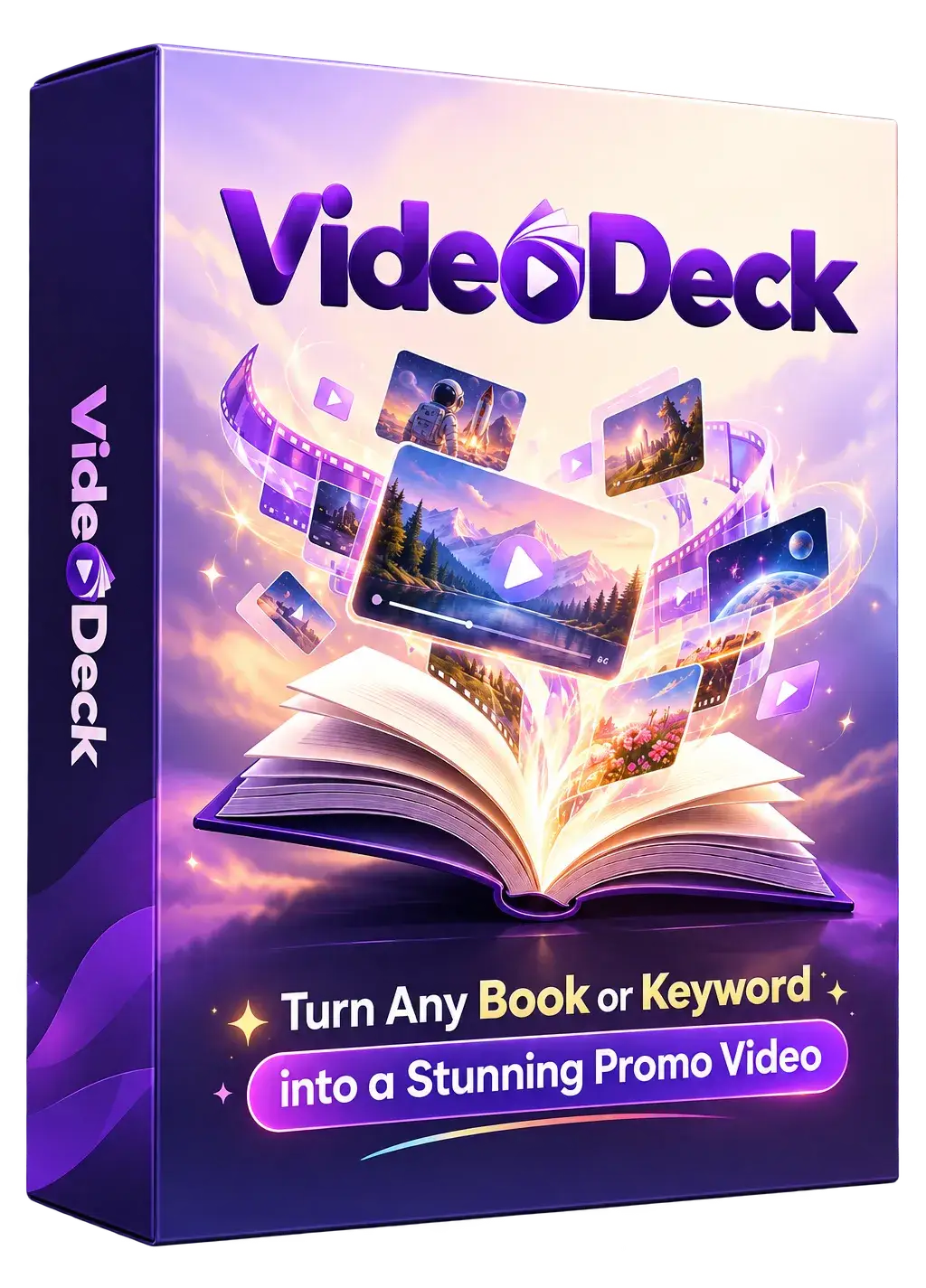
Affiliate disclosure: Top Deal Discoveries may earn a commission when readers buy through the sponsored WarriorPlus links in this article, at no additional cost to them. Editorial disclosure: this is a research-based review using public vendor documentation, not a paid product test. We have not purchased Video Deck, exported an actual video, tested Google Flow account eligibility, requested a refund, verified marketing testimonials or attributed any book sales to the product. The images below are official promotional materials.
Video Deck Review 2026: Quick Facts
- Product: Video Deck, browser-based book video concept, storyboard and prompt builder.
- Developer: Maulana Malik of the Duoha product line.
- Launch history: October 5, 2026, according to official partner materials.
- Core price reference: $17 in the original official JV funnel. Verify the final WarriorPlus checkout.
- Inputs: an existing book cover or a keyword for a not-yet-designed visual book concept.
- Outputs: structured scene descriptions, text overlays, promotional copy, voiceover guidance and AI-ready prompts.
- Video renderer: external Google Flow or another service; Video Deck does not render an MP4 itself.
- ChatGPT requirement: external ChatGPT access is part of the promoted workflow, but it is not bundled as an unlimited paid subscription.
- Formats: 9:16 and 16:9 prompts, including text-safe-area guidance.
- Languages: English, Indonesian, Spanish, French and Arabic are demonstrated; results depend on external tools.
- Modes: Full Auto or Advanced Setup, allowing different amounts of creative control.
- Styles: 3D, claymation, watercolor, felt craft, flat-vector and other treatments shown in the seller gallery.
- Saved projects: vendor advertises exporting and re-importing project configuration as JSON.
- Optional offers: Video Deck PRO, Video Deck Cinema, Video Deck Machine and Kids Deck Bundle, not automatically included in Core.
- Refund wording: 30-day Product Performance Guarantee for failure to perform as described or blocking technical problems.
What Is Video Deck Actually Selling?
Creating or publishing a book is different from explaining why someone should read it. The cover may look appealing, but a vertical video needs a compelling first second, a credible product message, a sequence of visual beats and a clear call to action. Video Deck attempts to organize those creative decisions for authors who do not have a background in storyboarding or video advertising.
The buyer selects a book or theme and lets the application structure a promotional narrative. It is positioned as a reusable planning studio rather than a fully autonomous video production service. For an independent publisher, the convenience may lie in turning the same book into several coherent concepts without repeatedly starting from an empty prompt box.
However, a plan is not a finished MP4 file. The software does not automatically generate the final imagery, preserve every character, edit every clip or post to a social platform. Those tasks happen downstream. A purchaser must budget for the separate services and the editorial time to inspect the final results.
That makes Video Deck meaningfully different from a traditional editor or direct text-to-video application. Its success should be measured by how useful its briefs and prompts are, not by an unsupported claim that every user gets instantly polished movies.
The Two-Step Process: Book Concept, Then Production Prompts
Step 1 — Concept and Script: upload an existing cover or enter a keyword. Set the intended language, style, tone, target audience and promotional goal. The vendor’s examples show scene-by-scene visual directions, actions, on-screen text, narration and a closing CTA. A faster Full Auto route supplies defaults; Advanced Setup exposes more parameters.
Step 2 — Video and Generate: choose wide or vertical presentation, review text safe zones and adjust background, motion and camera suggestions. Video Deck then produces a ChatGPT storyboard prompt and a separate Google Flow video prompt. The word “Generate” refers to these production instructions rather than to a finished video rendered by Video Deck itself.
Next comes the external work: take the prompts to the appropriate service, create scenes, inspect results and assemble a usable promotional clip. A completed campaign may also need original cover overlays, correctly licensed audio and manual edits. Video Deck’s two-step description should not be confused with a two-click finished publication.
To assess a purchase fairly, time the entire process from cover selection to a final uploaded test clip, including any retries caused by changes to lettering or characters.
Starting From an Existing Book Cover vs a Keyword
Using an existing book cover helps anchor the creative direction in a real product. A short trailer might begin with a problem faced by the audience, show the cover and a truthful benefit, and end by inviting the viewer to learn more. It is important to use a cover you own or have permission to promote.
The keyword route can help with a concept still in development. This may suit someone considering a new educational theme or a future book series, because the initial promotional storyboard can inform an eventual title and design. Yet it can be misleading to present a keyword-driven fictional cover or page design as if it were an already published book.
We recommend distinguishing “concept preview” from “available now” in any audience-facing copy. A video should depict the actual finished product when inviting viewers to purchase, particularly for educational workbooks, printable files and books marketed to parents.
The vendor acknowledges that external generation may not preserve original cover artwork perfectly in every frame. Visual references, exact title overlays and a checked static end card can help reduce confusion, but do not prove perfect consistency.
Full Auto vs Advanced Setup
The Full Auto route is meant to reduce decisions for someone creating a quick first draft. Advanced Setup is designed for publishers who want more control over duration, flow, tone, language, visual treatment, camera movement, voiceover and the CTA. Both still result in a production brief requiring external video services.
For a bedtime storybook, an author might choose a gentle pace and soft imagery. For a detective activity book, the desired effect might be suspense without gore or misleading scenes of gameplay. A nonfiction guide may need a simple benefit-focused explanation rather than a cinematic story.
Automation can save time, but it may also produce generic or inaccurate claims. Check any generated sales language against the actual number of pages, format, intended ages and current availability. A professional-looking video that inaccurately describes the book will not be a trustworthy advertisement.
What a Good Scene-by-Scene Storyboard Should Contain
Useful storyboards specify what happens in each scene, what the viewer hears, what text appears and why the sequence moves toward the CTA. For example, a four-scene children’s workbook promo might open with a simple learning question, show the real cover, mention one authentic activity and finish with a link to the appropriate listing.
Scenes should last long enough for captions to be read, particularly on phones. Promotional language should be concrete: “Includes numbered logic puzzles and solutions” is more useful than “The greatest mystery book ever created.” Avoid fake awards, invented buyer reviews and claims of learning outcomes without evidence.
Video Deck’s storyboard and voiceover planning might reduce the blank-page problem, but a human editor should still check spelling, voice pronunciation, caption safety and transition quality before publishing.

9:16 and 16:9: Why Aspect Ratio Matters
Vertical 9:16 video is commonly used for TikTok, Reels and Shorts. Wide 16:9 is better suited to standard YouTube uploads, embedded website trailers and presentations. A single concept can serve both formats, but simply cropping a wide image may cut off cover text, faces or crucial product details.
The Text Safe Zone option is promoted as a way to avoid captions being hidden behind social app controls. This is useful direction, not a guarantee: app overlays, screen shapes and interface layouts change over time, and each finished video should be checked on the actual destination platform.
For vertical formats, keep important titles and product claims near a readable central area. For wide formats, allow space for the cover and a less hurried explanation. If a video contains text from AI-generated frames, proof it rather than assuming generated lettering will be perfectly spelled.
Whether the chosen external video tool supports both output ratios at a given account level is a separate condition. Video Deck’s prompt settings do not grant premium rendering formats automatically.
Check the Video Deck product features and current price →
Video Deck’s Creative Styles and Multilingual Settings
The official seller gallery demonstrates claymation, 3D animation, watercolor, felt-craft, flat vector motion and 3D papercut styles. Choosing a style helps set the tone of a storyboard: gentle artwork for bedtime books, simple visuals for educational workbooks, or suspense for a detective mystery. The presence of a style in a promotional gallery is not proof that the same output will be identical across external Google Flow sessions.
The vendor also demonstrates multiple languages including English, Indonesian, Spanish, French and Arabic. This is helpful for targeting different book audiences, but a language selector does not guarantee flawless translation or pronunciation. A book promoted in Spanish should not silently turn out to be English-only. Have a fluent person review important foreign-language copy and verify the actual book’s language and marketplace availability.
When creating a series of clips, consistency matters more than novelty. Keep the approved title, author branding, colors, character attributes and destination accurate, and avoid representing an AI-generated invented book interior as a real published sample.
Google Flow Credits: Free Today Does Not Mean Free Forever
The seller’s current FAQ says it has personally used Google’s daily free video allowance of 50 credits to make demonstrations. However, Google Flow is a separate provider and its account access, quotas, geographic availability, eligible models, output durations and possible subscription requirements are controlled by Google. The allowance must not be treated as a lifetime entitlement provided by Video Deck.
The official seller actually acknowledges the risk: Google may change the rules and the vendor would then suggest other free video services. An alternative recommendation is not the same thing as unlimited paid production credits. Before buying, check Google Flow’s availability on your account and whether the free service supports the output you need.
Generation retries can consume credits, particularly if the model misspells the book cover or changes a character. A realistic cost comparison should count successful final clips, not just prompt submissions. We have not tested the cited daily quota on a free account, nor verified that every purchaser sees the same allocation.
Also consider data handling. If you upload a manuscript, unpublished cover or proprietary story description to a third-party AI provider, that material is governed by the provider’s own terms, not solely by the Video Deck seller’s assurances.
Does Video Deck Create or Export Finished Video Files?
No—according to the official sales FAQ. Video Deck prepares video concepts, storyboards and separate prompts for ChatGPT and Google Flow. It does not independently render or export the final MP4. The seller’s headline about “turning any book into video” describes an assisted multi-service workflow, not a standalone video generation engine.
After using external tools to animate the scenes, creators may still need to trim clips, join shots, place original book-cover artwork, correct subtitles, adjust audio and export their final video. Video Deck does not establish that it includes a connected publishing tool or a timeline editor. If your workflow depends on automatic video assembly, verify that feature elsewhere.
We recommend testing a single storyboard through to a real vertical MP4. Measure the number of generations required, check the output carefully and assess whether the app’s prompt template genuinely saves more time than a reusable prompt written manually.
Saving Projects and Keeping a Repeatable Production Library
The vendor advertises saving a project’s setup as a JSON file and loading it later. That could be useful for small publishers creating several promo concepts for the same book, including multiple formats or different languages. It may also help retain the intended tone and camera direction in a creative series.
But the JSON file should not be confused with a full project from a video editor. It does not by itself store an externally rendered video, a published YouTube Short or licensing rights for generated media. Maintain the original cover, storyboard, AI prompts, clips, audio rights and final files separately.
A practical file naming pattern is book-title, campaign date, output ratio and version number. Having both the original plan and the finished clip lets publishers correct a claim or regenerate a scene without losing track of the product that was actually advertised.
Core vs Video Deck PRO, Cinema, Machine and Kids Deck Bundle
The vendor’s JV funnel lists the product Video Deck product plus four optional follow-on offers: Video Deck PRO, Video Deck Cinema, Video Deck Machine and Kids Deck Bundle. These purchases are not automatically included in the basic product. This review does not disclose optional order-bump or OTO prices.
| Package | Described purpose | Key buyer question |
|---|---|---|
| Video Deck Core | Guided concept, storyboard, promotional script and separate AI video prompts | Does the planning workflow suit your book and tools? |
| Video Deck PRO | Secondary review material describes longer narrative, continuity-oriented trailer direction | Confirm exact runtime and continuity controls |
| Video Deck Cinema | Additional cinematic movement and effects options described in secondary material | Confirm which styles and modes the current tier unlocks |
| Video Deck Machine | Secondary descriptions emphasize multi-day social campaign planning and assorted formats | Are outputs final media, or planning prompts and calendars? |
| Kids Deck Bundle | Companion educational/publishing applications in the Duoha ecosystem | Which apps and commercial rights are actually included? |
The product names and funnel structure were verified on the official JV page; detailed upgrade capabilities above are partly from a separate purchaser review, so they should be confirmed against the current checkout rather than assumed as tested facts. A book author who wants only a short promo script may not need any upgrade.
Do not assume that extra cinematic templates or a content calendar eliminates the need for external Google Flow rendering. Also confirm whether a given license permits client work, resale, redistribution of templates or only personal use; public marketing to business users is not the same thing as a full legal rights grant.
Video Deck Pricing and the 30-Day Product Performance Guarantee
The seller’s original October 2026 partner funnel advertises $17 for the product. The amount payable now may be different due to changing promotions and checkout conditions, so consult the actual WarriorPlus purchase screen. The seller markets one-time access to the planning software without mandatory monthly payments for Video Deck itself.
Any needed ChatGPT or Google Flow subscription is separate, and available free credits can change. Premium model features, higher-quality output and commercial distribution permissions may differ by external service or plan. “No monthly software payment” should not be interpreted as a guarantee that every final video will cost nothing to create.
The vendor’s 30-Day Product Performance Guarantee covers circumstances in which Video Deck does not perform as described or technical faults prevent normal use, with support contact within the stated period. It is not clearly advertised as an unconditional change-of-mind refund. We have not purchased the software or tested how the refund process is administered. Buyers should retain the live checkout language and receipt.
Optional upgrade prices are deliberately withheld from this review. If you need a feature not included in the core guided workflow, establish the correct entitlement before placing an order.
Commercial Licensing and AI Video Content Accuracy
Video Deck is promoted to KDP publishers, printable sellers, teachers and people who market books. That does not establish automatic ownership or unrestricted commercial resale rights over every external video clip. The buyer needs to comply with the particular Video Deck license and the usage terms of Google Flow, ChatGPT, stock media, images and audio used in production.
For a book trailer, check whether you own the right to advertise the cover illustrations and whether the underlying characters or brand marks are protected by someone else. Do not invent bestseller credentials, endorsements or sales figures. Generated captions can change the title or misrepresent the product, so a final video review is important.
When creating realistic synthetic content for YouTube, consult YouTube’s synthetic-content disclosure guidance and the relevant platform’s advertising rules. The correct disclosure depends on what appears in the finished media, not simply the fact that a storyboard tool was used.
We have not examined a signed product buyer license. In particular, do not assume Video Deck’s promotional materials, bonus files or underlying software can be redistributed or sold as PLR products without express permission.
Video Deck vs VideoExpress AI: Planning vs Rendering
Our VideoExpress AI review describes a more direct AI video content-production and editing environment. Video Deck instead sits before rendering: it helps define scenes, scripts and prompts. Someone may use a storyboard tool to feed a separate video generator, but the two products do not provide the same functionality.
A traditional timeline editor may be preferable for reliably retaining the exact book cover, chapter text and legally licensed music while combining clips. Google Flow may help with animated visuals, but generated output can change character appearance or written words between scenes. Video Deck’s prompt structure may be useful, yet those model-level constraints still apply.
For someone comfortable writing detailed video prompts in ChatGPT, the buying question is how much time the guided interface saves compared with a reusable template. For beginners, the structured setup can still provide useful creative direction. No controlled head-to-head performance benchmark has been conducted for this review.
Who Is Video Deck Best For?
Potentially suitable: KDP authors with finished covers, educational printable creators, independent children’s book publishers and affiliate marketers who want consistent, truthful video creative briefs but do not know how to storyboard a promotion. It may also suit authors who have access to compatible external video production tools.
Less suitable: customers expecting completed MP4 videos from Video Deck alone, lifetime-guaranteed Google credits, a fully automated video publishing account, mass social posting, or a tool that can prove sales attribution without independent campaign tracking.
A practical first test is one real book cover, one clear audience, a short 9:16 storyboard and an accurately labeled end card. Export the concept, animate a limited number of scenes in an eligible provider account and check the real editing work required before spending more money on optional packages.
Video Deck Review: Pros and Cons
| Possible advantages | Limitations and risks |
|---|---|
| Starts from a finished book cover or a new keyword | Concepts may not represent an actually published book |
| Guided creative direction, scripts, storyboards and scene prompts | No direct final video rendering or MP4 export inside the app |
| Full Auto and Advanced Setup support different experience levels | Prompt quality has not been independently tested here |
| Vertical and wide planning formats, with text safe zones | Actual media output and safe areas depend on external providers |
| Multilingual and visual-style direction advertised | Model translations, voice and cover consistency may require corrections |
| JSON settings can help resume creative plans | Does not back up external rendered footage automatically |
| One-time product purchase advertised | ChatGPT and Google Flow are separate services with changing access limits |
| Conditional thirty-day functioning guarantee | Not a demonstrated no-questions-asked refund policy |
Video Deck Review Verdict
Video Deck has a focused appeal for book creators: it packages the creative planning between “I have a book” and “I need a promotional video” into a guided process. Its storyboard, overlays, voiceover copy and ready-to-copy prompts may reduce initial preparation time for a publisher who does not have a repeatable video-ad structure.
The purchase is not equivalent to buying an unlimited video-generation service. Video Deck does not render the final MP4, and Google’s free daily credits are outside the seller’s control. The strongest reason to consider the product is the organization of the creative process, not a guaranteed video budget or promises of sales.
We recommend confirming your Google Flow eligibility, understanding the core product license and testing a single cover-to-promo workflow. Proof the final video for correct book details and keep the real cover visible. If your main need is a full editor or direct video renderer, compare alternatives before buying optional upgrades.
Video Deck Frequently Asked Questions
Does Video Deck make finished MP4 videos?
No. The official FAQ says Video Deck builds concepts, storyboards and prompts; finished video rendering happens in Google Flow or another separate service.
Do I need an existing book?
No. You can enter a keyword to develop a visual book concept, or start from an existing front cover.
What is the original product price?
The vendor’s October 2026 JV funnel lists $17 as the base launch price. Verify the current WarriorPlus checkout.
What aspect ratios does the tool plan for?
Wide 16:9 and vertical 9:16, with a text-safe-area option.
Do I get ChatGPT Plus with my purchase?
No paid ChatGPT subscription is established as bundled with the product license. Each external service has its own account requirements.
Are 50 Google Flow credits guaranteed every day?
No. The vendor says it has used that free daily allowance, but Google can change eligibility, limits and availability.
What is the difference between Full Auto and Advanced Setup?
Full Auto fills in more creative defaults, while Advanced Setup gives more control over story direction and other parameters.
Are PRO, Cinema and Machine included in Core?
No. The JV funnel lists them as separate offers. Optional prices are not disclosed here.
Is there a refund guarantee?
The seller advertises a conditional 30-day Product Performance Guarantee for failures to work as described or blocking technical defects.
Can I create videos for commercial book promotions?
The product is aimed at publishers, but rights in final footage and software output depend on the actual purchased license and third-party provider terms.
Does the software post directly to TikTok and YouTube?
Direct publishing to those accounts is not established by the seller’s base workflow.
Will it guarantee more KDP sales?
No. Performance depends on the actual book, audience, content, distribution and confirmed referrals.
Check Video Deck’s Current WarriorPlus Offer
If you want help planning accurate book promotion videos, examine Video Deck as a creative storyboard and prompt workflow. Verify your external ChatGPT and Google Flow access, the actual base license and current refund conditions. Do not buy expecting Video Deck alone to produce final animated video files.
View Video Deck on WarriorPlus — Check Current Access →
Sources reviewed October 15, 2026: official Duoha Video Deck seller page and product FAQ; Video Deck’s original October 5 JV program describing the product and four optional funnel products; official demonstration gallery; separate early purchaser account for additional upgrade descriptions; and independent YouTube synthetic-media guidance linked above. Under our merchant-link policy, seller pages are cited by name but not hyperlinked to prevent bypassing the approved affiliate destination. No paid product test or income claim is implied.
Advantages & limitations
Advantages
- Convenient guided creative storyboard workflow for book publishers
- Start from existing finished cover or keyword-based idea
- Detailed scripts, CTAs, scene direction and voiceover planning
- Full Auto for quick drafting, Advanced Setup for control
- Wide and vertical creative prompts, text-safe-zone planning
- Multiple languages and visual styles for different book genres
- JSON save-and-resume planning files
- Historical low one-time Core launch reference and conditional product-performance guarantee
Limitations / unknowns
- Does not actually render or export finished videos inside Video Deck
- Google Flow and ChatGPT are external and subject to access limits or possible paid subscriptions
- Seller-cited 50 free Google credits may change or not apply to every account
- AI videos can alter the original book cover, characters and lettering
- Editing, clip stitching, voice/audio licensing and publishing may require other tools
- Commercial rights for final generated assets depend on external provider terms
- Optional long-form, cinematic and campaign-planning features are separate tiers
- A functioning plan or video does not prove increased book sales
Ready to explore Video Deck?
See current features, package terms, licensing and refund details on the vendor website. This review does not guarantee availability or outcomes.
Sponsored link authorized by the publisher; affiliate tracking and merchant checkout conditions have not been independently verified.